Place tables with theme blocks
Add Size chart, Specs, Compare, Tabbed, or Us vs Them blocks in the theme editor.
Written By Floris de Vries
Last updated 20 days ago
Theme app blocks place tables in exact positions on product, collection, page, and other templates.
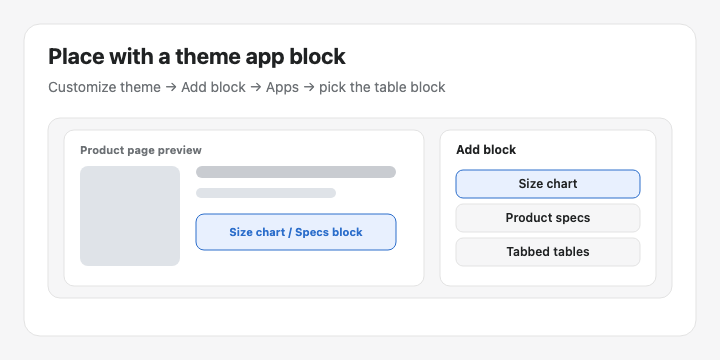
Available blocks
Size chart — visibility-based Size charts
Product specs — visibility-based Specs tables
Compare button — optional manual Compare placement
Tabbed tables — pick a specific Tabbed table
Us vs Them — pick a specific Us vs Them table
How to add a block
Go to Online Store → Themes → Customize.
Open the template (usually Products → Default product).
Click Add block in the section where the table should appear.
Open Apps and choose the block you need.
For Tabbed / Us vs Them, select the table in the block settings.
Click Save.
Recommended: Place Size chart or Specs near the price / buy buttons so shoppers see them while deciding.
Still need help? Ask the team